Moorhead Branded LinkedIn Banners
The Minnesota State Moorhead marketing team has created four banners employees can use on their LinkedIn profiles. These banners are available to download on the Tools & Templates page.
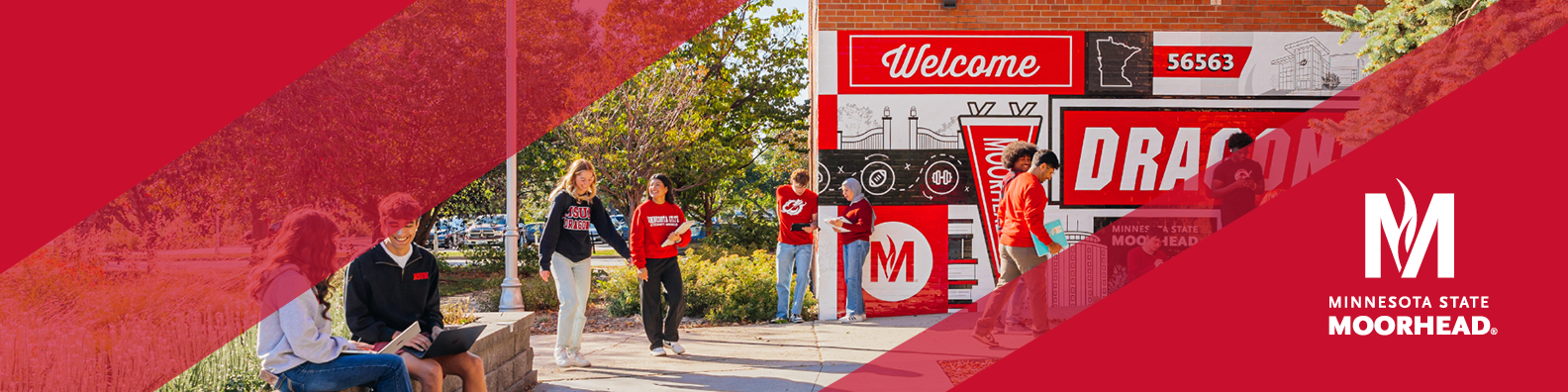
Follow these steps to update your LinkedIn page.
- Download the banner you’d like to use from the Tools & Templates page
- Go to your LinkedIn profile
- Click the edit icon on your current banner
- Click “edit cover image”
- Click “change photo” and upload the banner you downloaded
- Save your edits
Updating your LinkedIn banner has many benefits, including showcasing your Dragon Pride and enhancing your professional credibility. We encourage everyone to check out the new banners, pick their favorite, and add it to their page!
Categories :